In the digital age, creating engaging visual content has become more accessible than ever. Among the latest innovations, AI-powered tools have transformed the way we interact with images. One of the most exciting developments is the Pippit AI talking photo, which allows static images to come alive with realistic facial movements and speech. In this article, we will explore how to use the best AI talking photo generator to create lifelike talking photos that captivate your audience.
What is an AI Talking Photo?
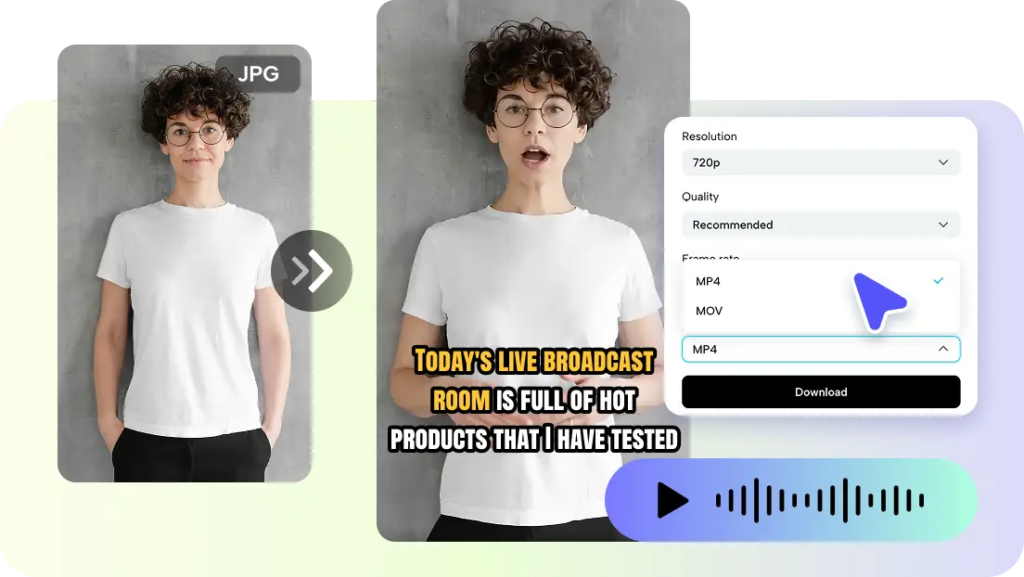
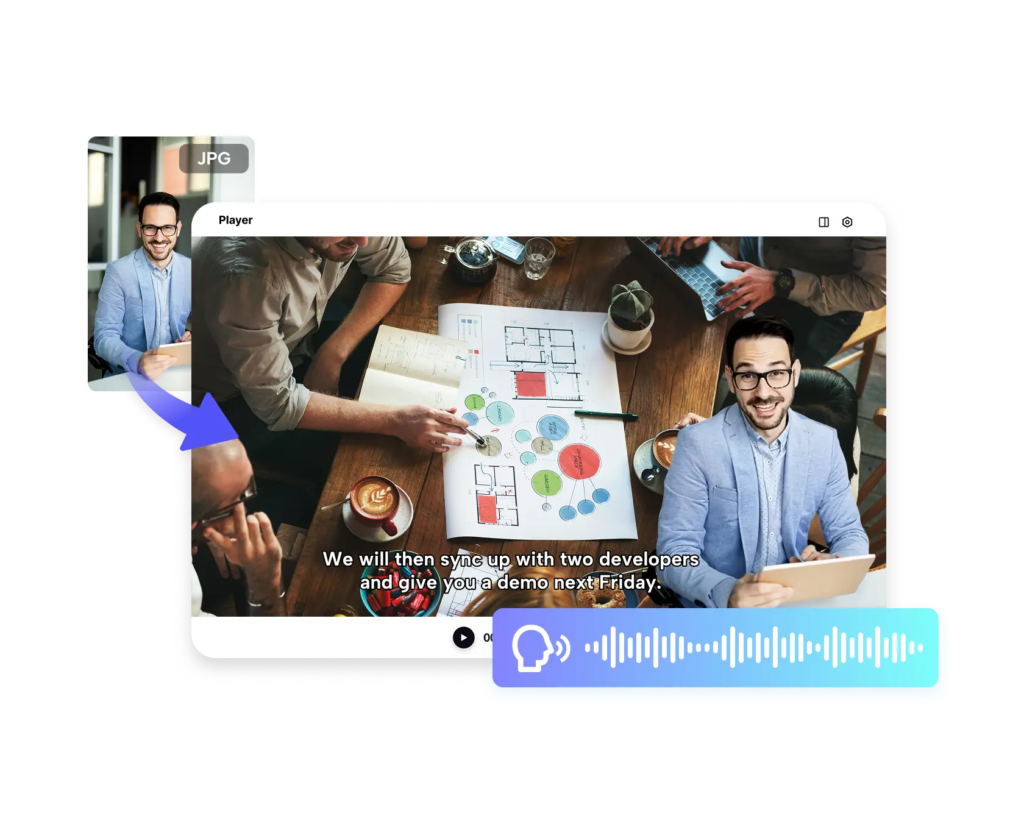
An AI talking photo is a static image that has been transformed using artificial intelligence to simulate speech and expressions. This technology analyzes the facial features in the image and animates them to match audio or text input. The result is a photo that can talk, smile, blink, and even show emotions, making it perfect for content creators, marketers, educators, and social media enthusiasts.
Why Use the Best AI Talking Photo Generator?
Choosing the best AI talking photo generator is crucial for achieving realistic results. High-quality generators use advanced AI models to ensure smooth animations, accurate lip-syncing, and natural expressions. Here are some reasons why using a top-tier generator matters:
- Realistic Animations: A high-quality generator produces fluid movements that make the talking photo appear lifelike.
- User-Friendly Interface: The best tools are designed for easy navigation, even for beginners.
- Customization Options: You can adjust facial expressions, voice tones, and animation speed to match your vision.
- Compatibility: Reliable generators support multiple image formats and allow you to export videos or GIFs easily.
Steps to Create a Realistic AI Talking Photo
Creating a realistic AI talking photo is easier than you might think. Follow these simple steps:
1. Choose Your Generator
Start by selecting the best AI talking photo generator. Look for a platform that offers advanced AI algorithms, high-resolution output, and a variety of customization features. Many tools provide free trials, so you can test the quality before committing.
2. Upload Your Image
Next, upload a clear and high-quality photo. The AI works best with images where the subject’s face is fully visible and well-lit. Avoid blurry or low-resolution photos, as they can result in distorted animations.
3. Add Audio or Text
Most generators allow you to either upload an audio file or type text that the AI will convert into speech. Some advanced tools even let you select the voice type, accent, and emotion to match the tone you want for your AI talking photo.
4. Customize Facial Expressions
Once your image is uploaded and audio is added, you can tweak facial expressions, blinking frequency, and head movements. The more natural the adjustments, the more realistic the final animation will look.
5. Preview and Edit
Always preview your animation before finalizing. This allows you to spot any unnatural movements or syncing issues. Make necessary edits to enhance realism.
6. Export and Share
After finalizing your AI talking photo, export it in your desired format—usually MP4, GIF, or WEBM. You can now share it on social media, embed it in presentations, or use it in marketing campaigns.
Tips for Best Results
- High-Quality Images: Use sharp, well-lit images for better animation quality.
- Clear Audio: Ensure the audio is clear and free from background noise.
- Experiment with Expressions: Subtle movements make the talking photo more natural.
- Use Reputable Generators: Avoid free or unreliable tools that may produce unnatural results.
Applications of AI Talking Photos
The possibilities of AI talking photos are vast:
- Social Media Content: Create eye-catching posts that stand out in feeds.
- Marketing and Branding: Engage customers with personalized messages from characters or mascots.
- Education: Make lessons more interactive with animated historical figures or educators.
- Entertainment: Generate talking avatars for games, apps, or personal projects.
Conclusion
AI technology has made it possible to transform static images into interactive experiences. By using the best AI talking photo generator, anyone can create realistic AI talking photos that capture attention and engage audiences. Whether for personal enjoyment, marketing, or educational purposes, this technology opens a world of creative possibilities.
Start exploring today and see your photos come to life like never before!